


Collective intelligence + AI tools are starting to change what “group input” actually means. The shift is subtle but real. Rather than treating collaboration as a sequence of meetings and messages, these tools treat it as continuous input.
What matters now is choosing tools that respect that pace of collective intelligence. The ones in this list do exactly that. Here are 7 collective intelligence AI tools that will change the texture of your workday while you are still thinking through your next step.
We Tested The Best Collective Intelligence + AI Tools & These 7 Came Out on Top
We put these collective intelligence + AI tools straight into real workflows and watched what actually held up. Here is a quick rundown of the ones that delivered.
| Our Rating | Best For | What We Didn’t Like | Price | |
|---|---|---|---|---|
| CrowdSmart | 9.1/10 | High-stakes decision-making with multiple stakeholders | Requires effort to frame inputs properly and not suited for quick or casual use | No public pricing |
| Beeshake | 8.7/10 | Driving employee participation and idea collection at scale | Lacks decision enforcement and can lose momentum without ownership | Custom pricing (monthly and annual plans) |
| Pol.is | 8.2/10 | Mapping opinions across large or polarized groups | Not built for execution and feels slow in fast-moving environments | Free + custom enterprise pricing |
| iNaturalist | 8.0/10 | Community-driven data validation and citizen science | Depends heavily on active participation and slower validation cycles | Free |
| OneSoil | 7.6/10 | Precision agriculture and field-level decision-making | Requires domain understanding | Free plan + paid features (not listed) |
| Early Warning Project | 7.1/10 | Risk prediction and policy-level analysis | Limited interactivity | Free |
| Lindy | 6.8/10 | Automating workflows across tools and teams | Occasional inconsistencies in complex scenarios and setup required | $49.99–$199.99/month + custom |
7 Most Advanced Collective Intelligence + AI Tools For Strengthening Team Intelligence
We spent proper time inside each of these tools to see how they actually behave in real workflows. Here’s a closer look at the ones that stood out and why they earned their place.
1. CrowdSmart
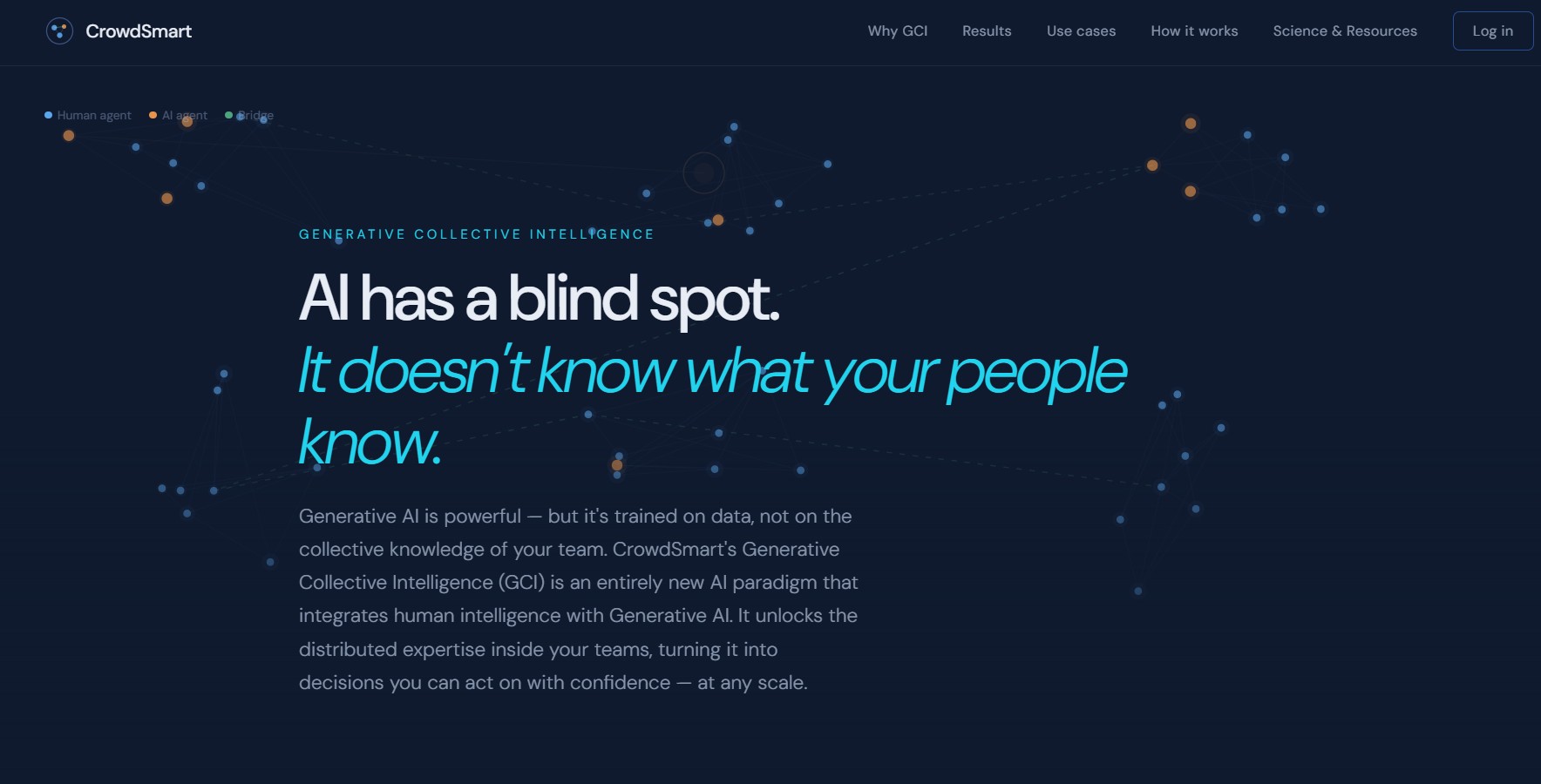
We went into CrowdSmart expecting another “AI meets crowdsourcing” pitch. What we got instead was closer to a decision lab. The first time we used it, we made the mistake most people probably make… we treated it like a poll. Quick questions, quick answers. The output felt… fine. Nothing special.
But when we slowed down and designed the input properly, everything changed. The tool started surfacing patterns we didn’t notice ourselves, like which contributors were consistently overconfident or where opinions were quietly diverging.
- Employees: 11–15
- Revenue: $14M+
- Year Founded: 2015
Key Features
- Predictive decision engine that ranks options using crowd input + AI modeling
- Structured question frameworks to eliminate bias in group responses
- Real-time consensus scoring with confidence intervals
- Stakeholder intelligence mapping for investor and hiring decisions
Pros & Cons
| Pros | Cons |
|---|---|
| Forces disciplined thinking instead of surface-level consensus | Learning curve in how to frame questions properly |
| Reduces bias without making it obvious or intrusive | Interface feels more functional than engaging |
| Outputs feel defensible, not just collaborative | Not ideal for fast, informal brainstorming sessions |
Pricing
No public plans listed
Best For
- Investor decision-making and due diligence
- Hiring panels evaluating candidates
- Strategic business decisions with multiple stakeholders
2. Beeshake
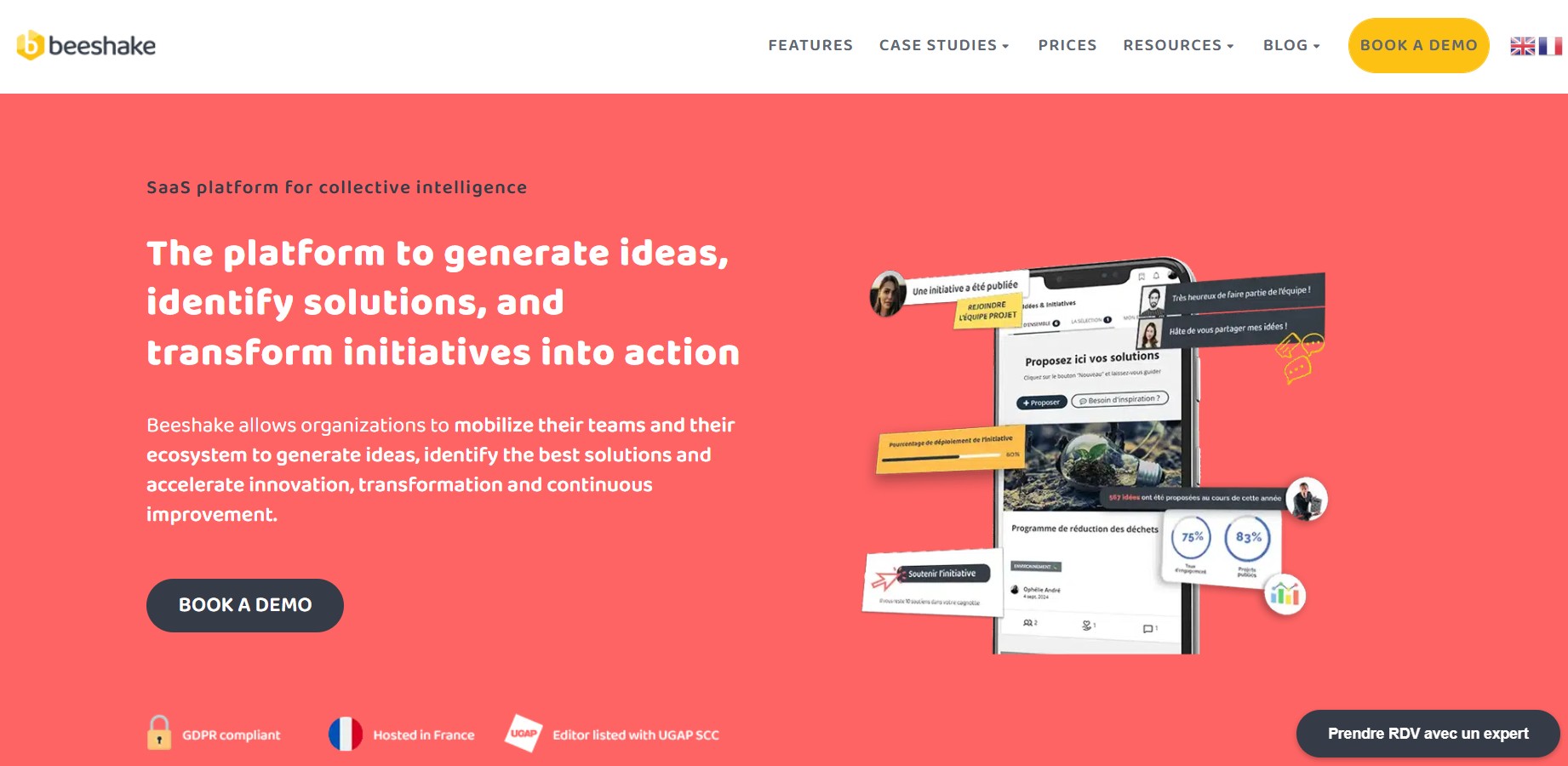
Beeshake is less about intelligence, more about momentum. We didn’t have to convince anyone to use it. That alone stood out. People just started dropping ideas in, reacting, voting. It was lightweight, almost casual.
But after the initial burst of activity, we noticed a dip. Not because the tool failed, but because it doesn’t force decisions. So in our experience, Beeshake works best when someone owns the process. Without that, it becomes a great idea board… that never quite closes the loop.
- Employees: 11–50
- Revenue: $1M–$5M
- Year Founded: 2017
Key Features
- Idea submission hub with structured campaigns for collecting employee input
- Upvoting and engagement system to surface high-impact ideas internally
- Management dashboard for tracking idea lifecycle (submission → evaluation → execution)
- Internal communication feed integrating comments, reactions, and collaboration threads
Pros & Cons
| Pros | Cons |
|---|---|
| Encourages organic idea evolution instead of static suggestions | Can become confusing without a clear direction |
| Feels engaging enough that people actually participate | Idea quality varies heavily depending on team culture |
| Great for surfacing unexpected internal talent and insights | Lacks deeper analytical layers for informed decision-making |
Pricing
- Monthly billing (no obligation, cancellable anytime, custom pricing)
- Annual or multi-year commitment (discounted rate, custom pricing)
Best For
- Innovation programs within large organizations
- Employee engagement and participatory transformation initiatives
- Structured idea campaigns with long-term organizational rollout
3. Pol.is

Pol.is co-founders Colin Megill, Chris Small and Mike Bjorkegren, in 2014. Photo courtesy of Pol.is
Using Pol.is is like stepping into a research tool rather than a product… and we mean that in a good way, mostly. The first time we saw the opinion clusters forming, we paused. It wasn’t just “who agrees vs disagrees.” It showed why groups formed in the first place.
But it is not built for speed. When we tried using it in a fast-paced team setting, it lagged behind our workflow. Where it really works is when you care more about understanding perspectives than rushing to a decision.
- Employees: 11–50
- Revenue: Non-profit
- Year Founded: the open-source public opinion platform Pol.is officially launched on October 13, 2012.
Key Features
- Real-time opinion clustering using machine learning and Large Language Models (LLMs) to group participants by viewpoint
- Dynamic visualization of consensus and disagreement patterns across large groups
- Statement-based voting system (agree/disagree/pass) instead of open discussion threads
- Automated identification of consensus statements shared across opposing groups
Pros & Cons
| Pros | Cons |
|---|---|
| Handles polarized opinions without conflict escalation | Limited depth beyond opinion mapping |
| Reveals hidden consensus areas | Not built for execution or follow-through |
| Extremely simple for participants to use | Can feel abstract if you want concrete outcomes |
Pricing
- Free (open-source/public use)
- Custom/enterprise deployments (pricing not publicly listed)
Best For
- Public consultations and civic engagement processes
- Large-scale opinion mapping in polarized communities
- Policy discussions where neutrality and structure matter
4. iNaturalist
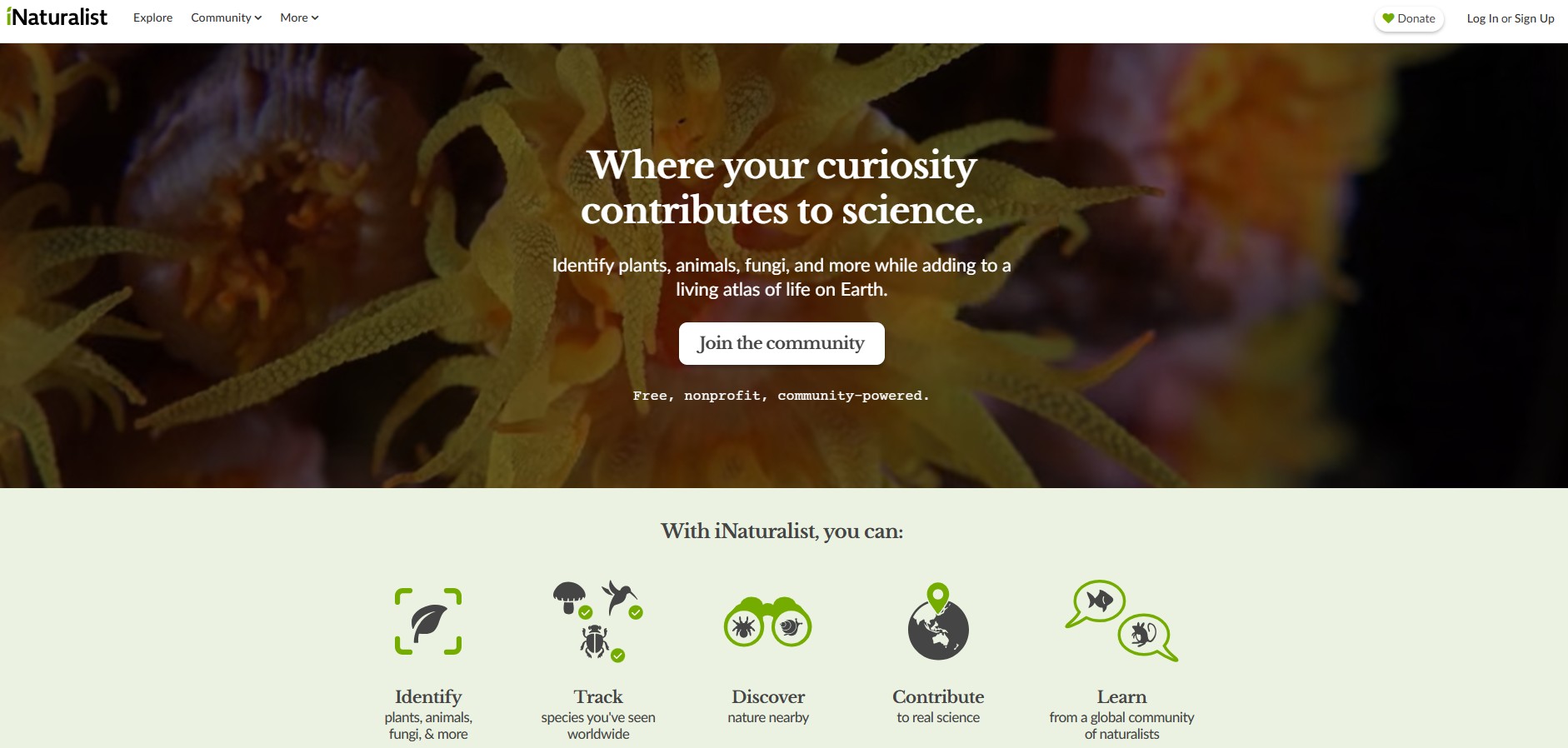
Using iNaturalist felt like joining a living system. We uploaded a few observations, expecting basic AI identification. What we didn’t expect was the community stepping in, refining, correcting, adding context.
That mix of “AI suggestion first, human validation after” was incredibly balanced. But it also made us realize something: this kind of machine intelligence only makes sense when people care. In a disengaged environment, there would be no inspiration, and it would fall apart. Here, it thrives because the community is invested.
- Employees: 11–50
- Revenue: Non-profit
- Year Founded: 2008
Key Features
- AI-powered species identification from images and audio recordings
- GPS-tagged observation logging with automatic date and location metadata
- Community-driven verification system to achieve “research-grade” accuracy
- Global biodiversity database integration for scientific research contributions
Pros & Cons
| Pros | Cons |
|---|---|
| Community-driven accuracy improves over time | Slower feedback cycle compared to AI-only tools |
| Extremely intuitive to participate in | Not designed for business or team workflows |
| Builds trust through transparent contributions | Quality depends on active community participation |
Pricing
Free (non-profit platform)
Best For
- Citizen science and biodiversity data collection
- Use in education settings and research programs
- Field observations with collaborative verification
5. OneSoil
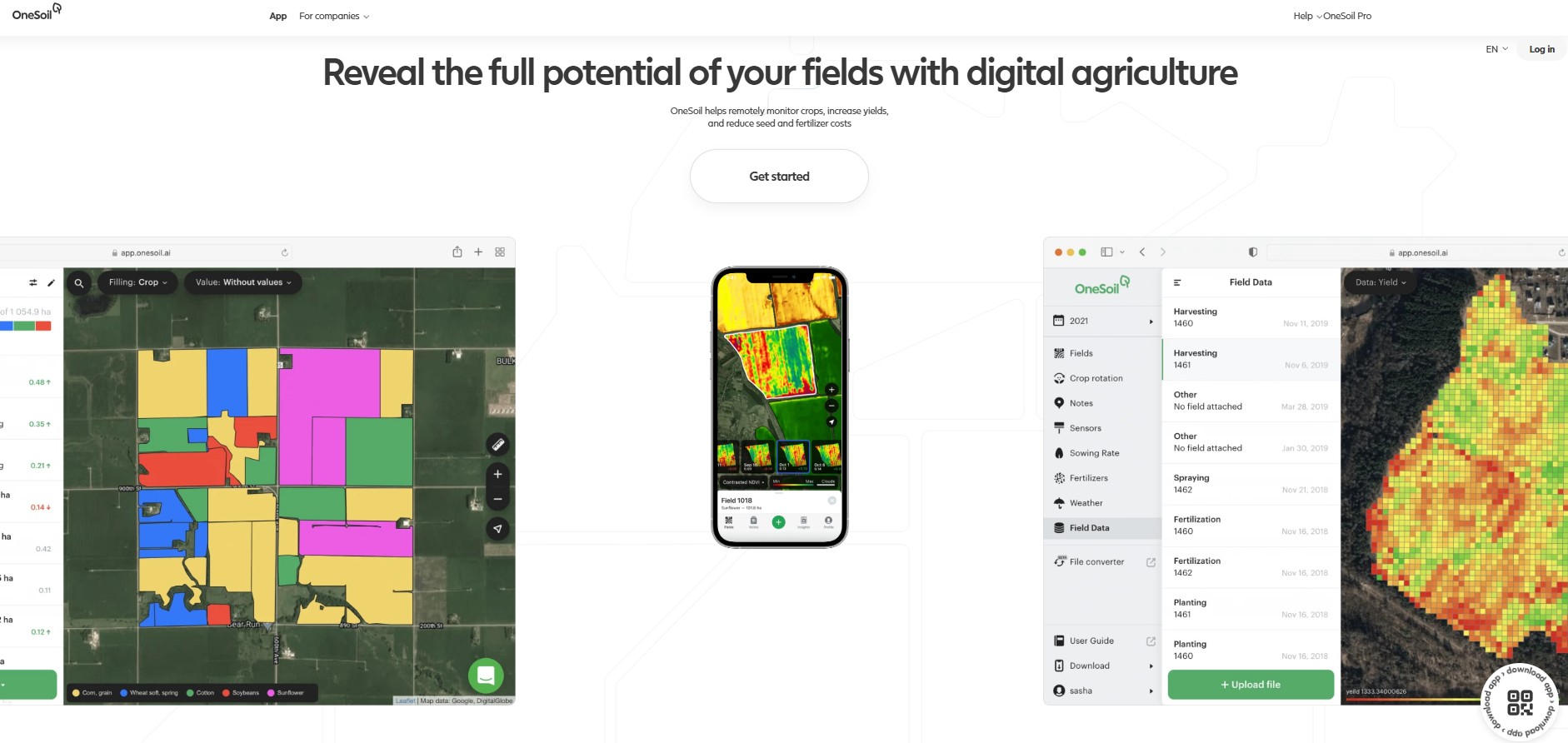
OneSoil was precise. Almost too precise at first. We weren’t used to seeing this level of detail — field-level variations, patterns over time, recommendations tied to actual land data.
What stood out was how confidently AI focused on real-world inputs. But we also felt the boundaries. This isn’t a general-purpose tool. It knows exactly what it’s built for… and it doesn’t try to be anything else. And honestly, that focus is what makes it strong.
- Employees: 51–200
- Revenue: $5M–$10M
- Year Founded: 2017
Key Features
- Satellite-based field monitoring with vegetation index (NDVI) analysis
- AI-driven crop health detection and yield prediction models
- Field zoning and variability mapping for precision agriculture decisions
- Weather-integrated insights for planting, fertilization, and harvesting timing
Pros & Cons
| Pros | Cons |
|---|---|
| Makes complex data immediately usable | Limited use outside agricultural contexts |
| Strong visual clarity in insights | Requires some baseline understanding to fully leverage |
| Practical, action-oriented outputs | Not built for collaborative discussion |
Pricing
- Free plan (basic field monitoring tools)
- Paid features (precision farming tools; pricing not publicly listed)
Best For
- Farm field analysis using satellite data
- Crop monitoring and yield optimization
- Precision agriculture decision support
6. Early Warning Project

Early Warning Project was different from the start. We were engaging with something that carries weight. The kind of output that makes you stop and think, not tweak and iterate. There is no playfulness here. No experimentation layer. And that is intentional.
What stood out to us was the restraint. It doesn’t try to do too much. It focuses on one thing: predicting risk. And it does it with a seriousness most platforms don’t even attempt. It is not something you use daily. But when you do, it matters.
- Employees: N/A
- Revenue: Non-profit
- Year Founded: 2015
Key Features
- Predictive risk modeling using statistical and machine learning approaches
- Integration of historical conflict data with real-time indicators
- Public risk assessment dashboards ranking countries by violence risk
- Transparent methodology with explainable factors behind each prediction
Pros & Cons
| Pros | Cons |
|---|---|
| Deep transparency in how insights are generated | Not designed for general or business use |
| Combines human creativity and expertise with data modeling effectively | Emotionally heavy subject matter |
| High real-world impact | Limited interactivity compared to modern tools |
Pricing
Free (publicly accessible research platform)
Best For
- Academic and policy research on conflict prevention
- Risk analysis for governments and NGOs
- Educational use in political science and global studies
7. Lindy
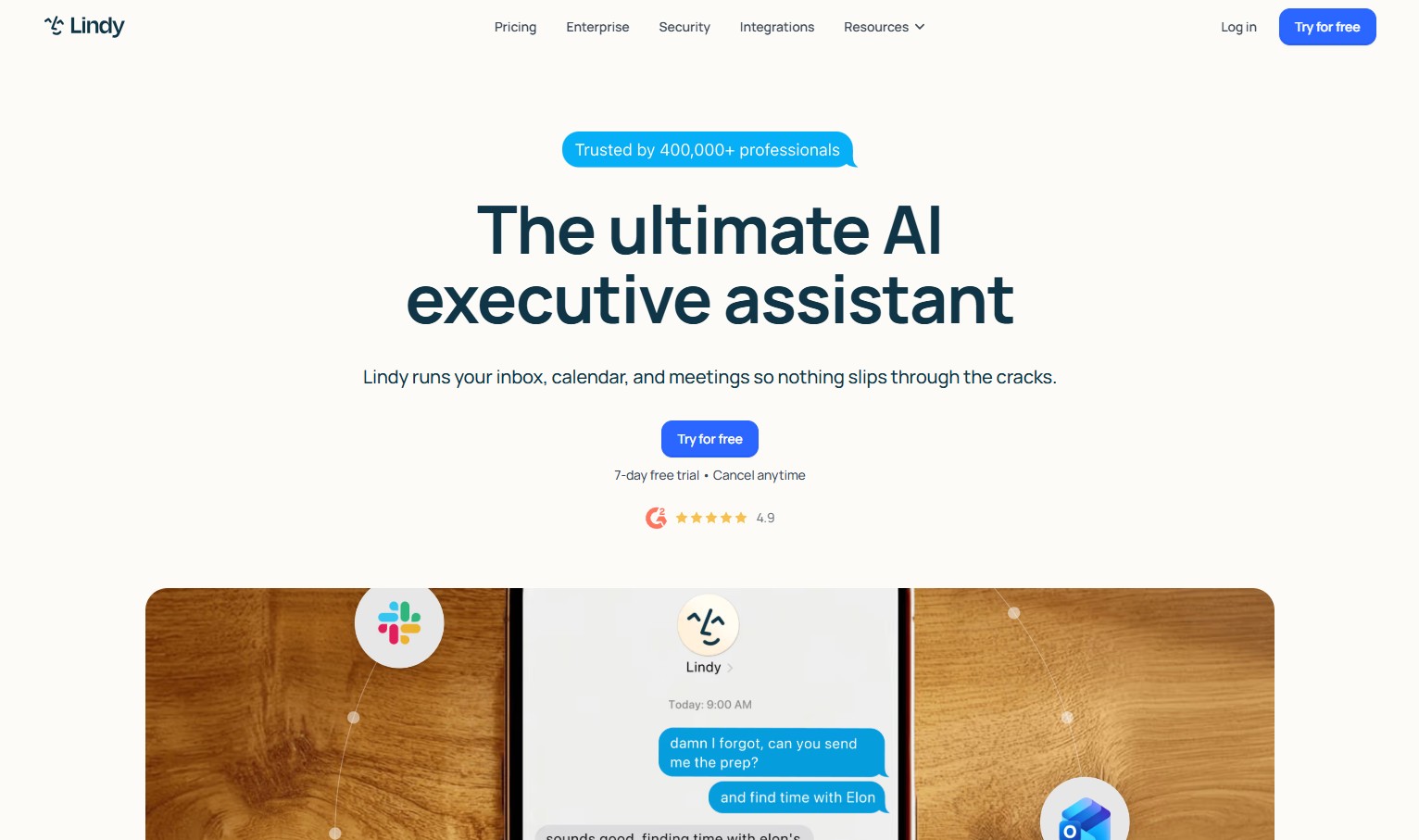
We set up a few workflows on Lindy, expecting minor efficiency gains. What we got was noticeable time back. Where it got interesting was when we pushed it a bit… more complex workflows, edge cases.
That is where it started to wobble slightly. Not fail, but remind us it is still automation, not judgment or human intuition. What stood out underneath all of it was how generative artificial intelligence was handling intent across steps.
So we ended up treating it like a reliable assistant to collaborate on tasks, not a decision-maker. And in that role, it worked really well.
That distinction matters especially in marketing operations. Agencies running paid media across 4 or 5 platforms simultaneously, like Code3 does for retail and CPG brands, rely on AI to surface signals and automate the execution layer while keeping humans on creative direction and bidding strategy.
- Employees: 11–50
- Revenue: $5.1M
- Year Founded: 2023
Key Features
- AI agent automation for workflows across email, meetings, and task management
- Context-aware memory that adapts to user behavior over time
- Multi-step task execution using chained AI actions and integrations
- Natural language interface for building and deploying custom AI assistants
Pros & Cons
| Pros | Cons |
|---|---|
| Adapts to workflows over time | Occasional context misinterpretation |
| Strong automation capabilities | Still evolving in reliability |
| Feels like a collaborative assistant rather than a tool | Requires setup to unlock full potential |
Pricing
- Plus: $49.99/month
- Pro: $99.99/month
- Max: $199.99/month
- Enterprise: Custom pricing
Best For
- Automating repetitive communication workflows (email, meetings)
- AI-assisted operations across sales and support teams
- Personal productivity systems that scale into team usage
5 Business Situations Where Collective Intelligence AI Platforms Can Solve Problems & Transform Organizational Thinking
We started noticing certain patterns where these tools actually made a difference in how teams think and address the issues. Here are 5 business examples where that change becomes obvious.
1. SocialPlug
SocialPlug’s free YouTube video downloader was pulling in heavy traffic, but the team couldn’t clearly map which user behaviors led to repeat visits or conversions into paid services. Analytics dashboards gave numbers, but no shared understanding across teams.
They brought in a collective intelligence layer where every team fed observations into a shared AI system. The AI clustered this input and surfaced a clear pattern: users who downloaded more than 3 videos in a session were 68% more likely to return within a week, but drop-off increased sharply if processing time crossed 7 seconds.
This shifted how the team thought about growth. Instead of chasing more traffic, they focused on session depth and speed optimization. Within 6 weeks, they cut average processing time by 22% and saw repeat usage increase by 31%.
2. Uproas
Uproas’s Google Ads agency account setup was dealing with a very specific issue… client account approvals for Google Ads agency accounts. Their sales team pushed volume, but compliance and onboarding teams kept slowing things down. Approval rates hovered around 54%, and no one agreed on why deals were dropping.
They used a collective intelligence platform to capture decision inputs from every step. The AI system ranked friction points by impact. One finding stood out: accounts from 3 specific industries had a 40% higher rejection rate due to policy misalignment, as sales were not flagging early.
Instead of adding more checks, they changed how decisions were made upfront. Sales teams started using AI-generated “risk signals” during calls, which reduced unsuitable applications before they entered the pipeline. Within 2 months, approval rates jumped to 71%, and onboarding time dropped by 35%.
3. IceCartel
IceCartel’s iced-out chains had strong product demand, but struggled with inconsistent inventory decisions. Their team relied heavily on past sales data, which kept pushing them to restock the same styles, even when trends were shifting.
They introduced a collective intelligence system that combined customer reviews, social media mentions, influencer tagging data, and internal sales feedback. The AI grouped this into emerging style signals. Mentions of “minimal iced chains” had increased by 47% across social platforms, while their inventory was still dominated by heavier designs.
The team adjusted quickly. They reallocated 30% of their next production cycle toward lighter, minimal designs. Within one quarter, those products accounted for 42% of total revenue, with a 19% higher margin due to lower material costs.
4. Freeburg Law
Freeburg Law faced a different kind of issue: case preparation inconsistencies in divorce proceedings. Each attorney had their own approach, which led to 18% longer case duration than the regional benchmark.
They implemented a collective intelligence system that captured anonymized case strategies, negotiation patterns, and court outcomes. The AI analyzed to surface that the cases where early-stage financial disclosures were aggressively structured had a 26% higher chance of settling before trial.
This insight was shared across the firm in a structured way. Attorneys started aligning their early-stage approach, which reduced average case duration by 14% over the next 6 months.
5. Custom Sock Lab
Custom Sock Lab was handling large volumes of corporate orders. The issue was the design iteration delays. Clients usually requested multiple revisions, which stretched production timelines and increased costs by up to 18% per order.
They introduced a collective intelligence + AI system that analyzed past design approvals, client feedback, and revision patterns. The AI identified that 62% of revisions were linked to 3 recurring issues: color mismatch, logo scaling, and placement alignment.
The system started flagging these risks during the initial design phase. Designers received real-time suggestions based on similar past orders. This reduced average revisions per order from 3.4 to 1.8 and cut turnaround time by 27%.
Conclusion
What we have learned after actually spending time with these collective intelligence + AI systems is that they don’t compete. They reveal how your team thinks. And sometimes that is uncomfortable.
So pick based on friction, not features. If your team struggles to agree, use something that forces clarity. If ideas pile up and go nowhere, use something that pushes movement. If decisions are rushed, use something that has the ability to stretch the thinking instead of speeding it up.
If you are already experimenting with this shift, bring your perspective into the mix. Share what you are trying to create and what is still unresolved. Add your voice to the conversation and help shape where collaborative intelligence and problem-solving go next.


0 Comments